Framecode StudioApps & Tools日本語
Frame Basket app icon

Frame Basket

Collect the frames you need from a video.

Available on Microsoft StoreWindows 10 / 11MP4 / MOVPNG / JPEG日本語 / EnglishLocal processing

Frame Basket is a Windows app for collecting useful video frames and saving or copying them as PNG or JPEG. It supports Japanese and English, and processes video and images locally. The app is available for free on the Microsoft Store.
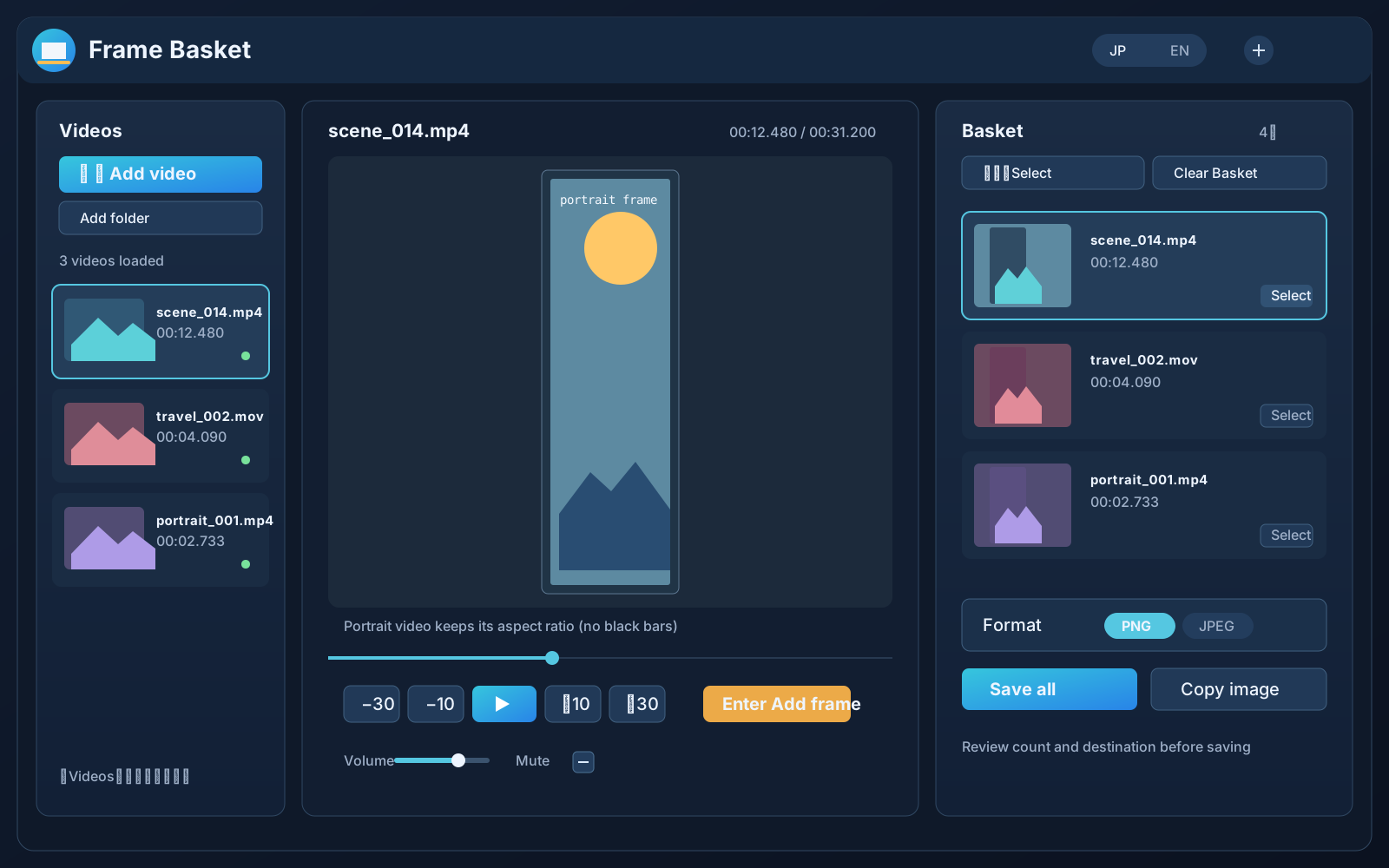
Frame Basket running in the app

Availability

Available on Microsoft Store
Available for free on the Microsoft Store.Download is free in all selected markets.

Main features

Focused frame workflow
  • +Add a video and find the momentLoad files, folders, or Explorer drops, then use play/pause, 10/30-second skips, and the timeline.
  • ↔Collect frames in the BasketPause, inspect nearby video frames, and add the displayed frame with Enter or a button.
  • ▣Export PNG / JPEGSave selected images at the decoded video dimensions and copy one selected frame to the clipboard.
  • VHandle portrait videosPhone-recorded portrait videos keep their aspect ratio and use a portrait-friendly preview layout without black side bars.
  • 文Japanese and EnglishProvide the main controls and help text in Japanese and English.
  • ◎Keep processing localNo cloud upload, login, advertising, analytics SDK, or telemetry is planned.

App screenshots

English UI

Screenshots captured from the running Frame Basket app. Videos and images are processed on your device.
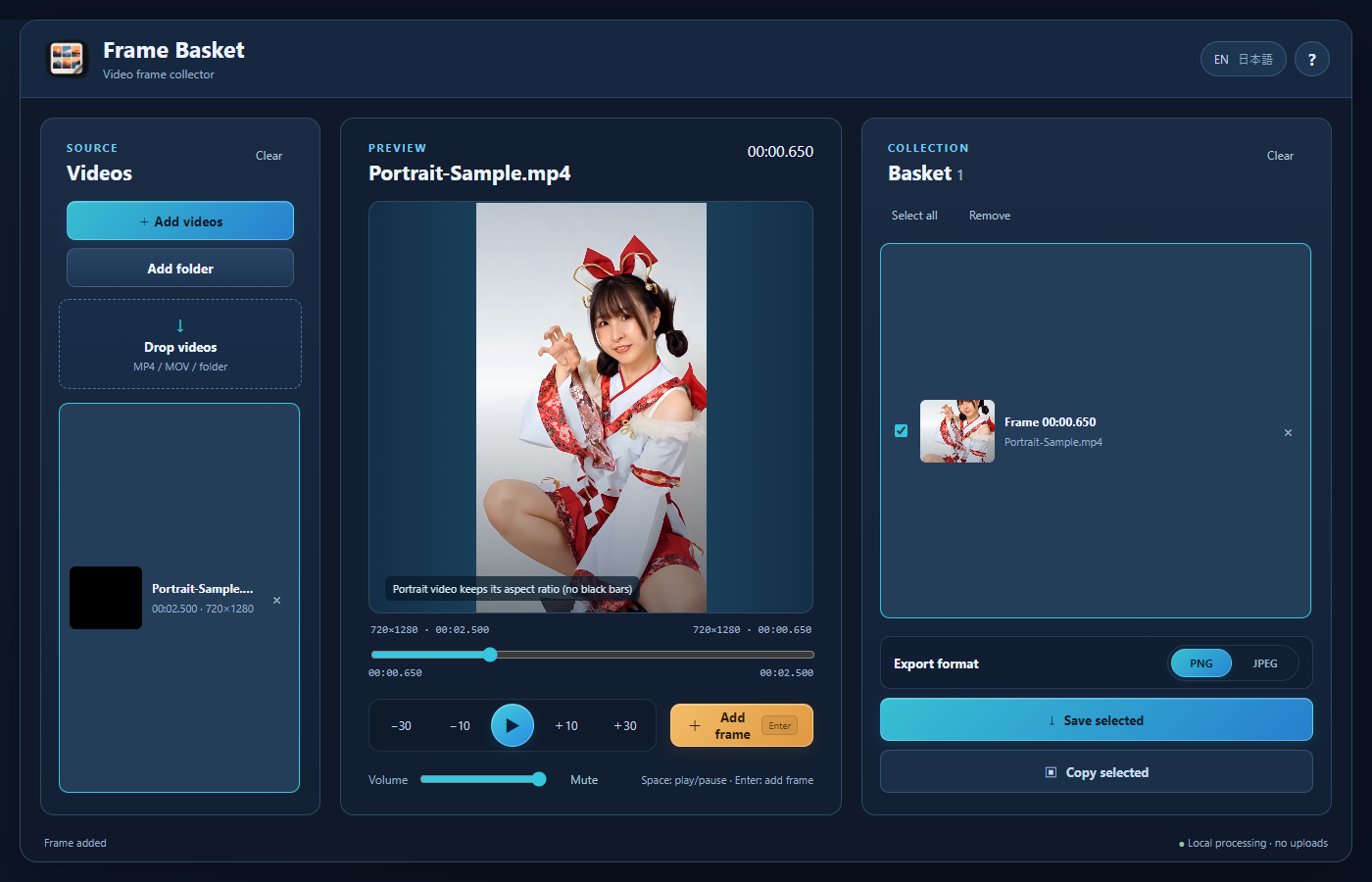
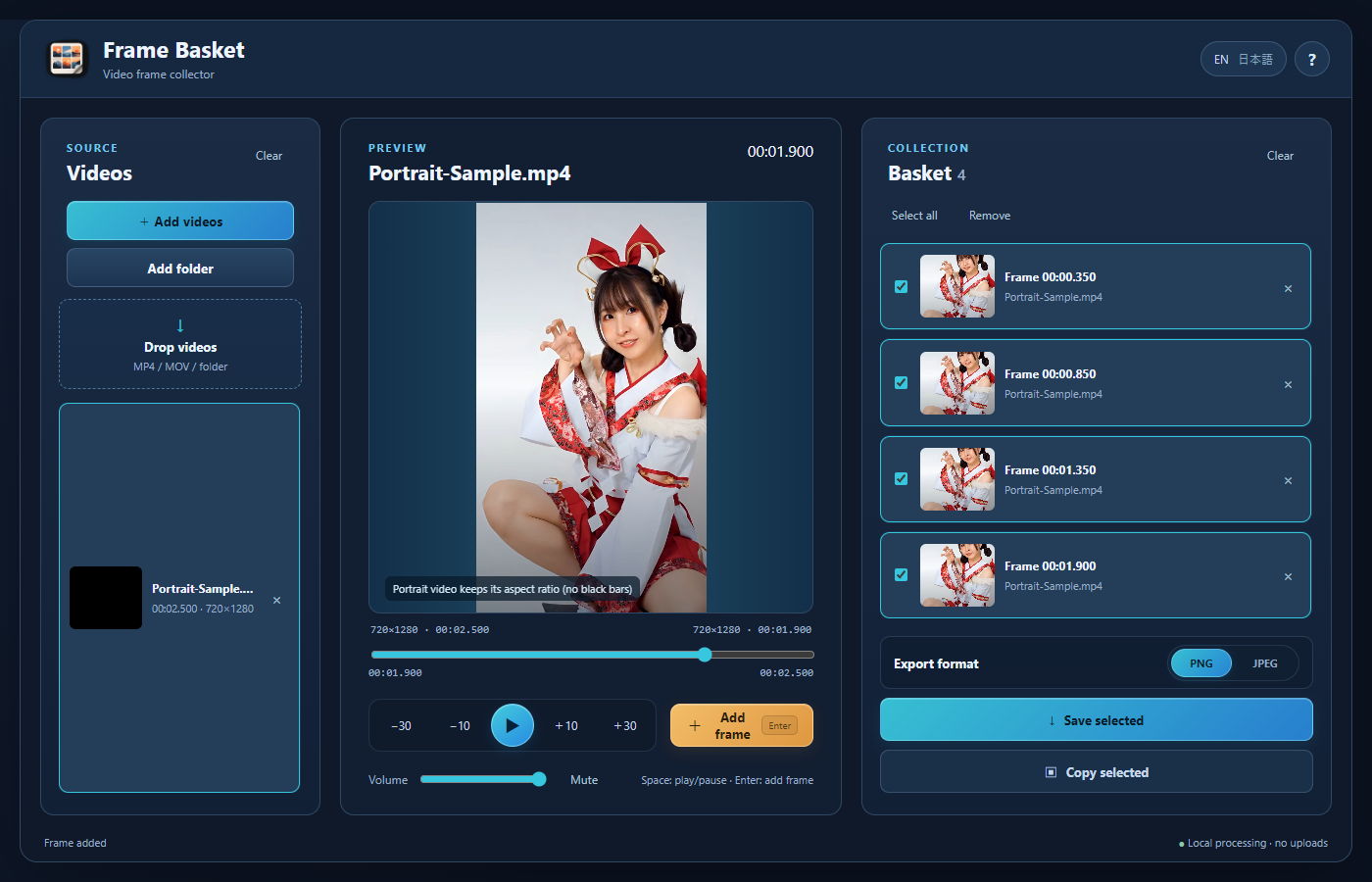
Frame Basket displaying a portrait video with one collected frame
Collect frames from portrait videoPreview phone-shot vertical video while preserving its aspect ratio.
Basket with multiple frames collected from a portrait video
Collect the moments you needSelect multiple frames together in the Basket.
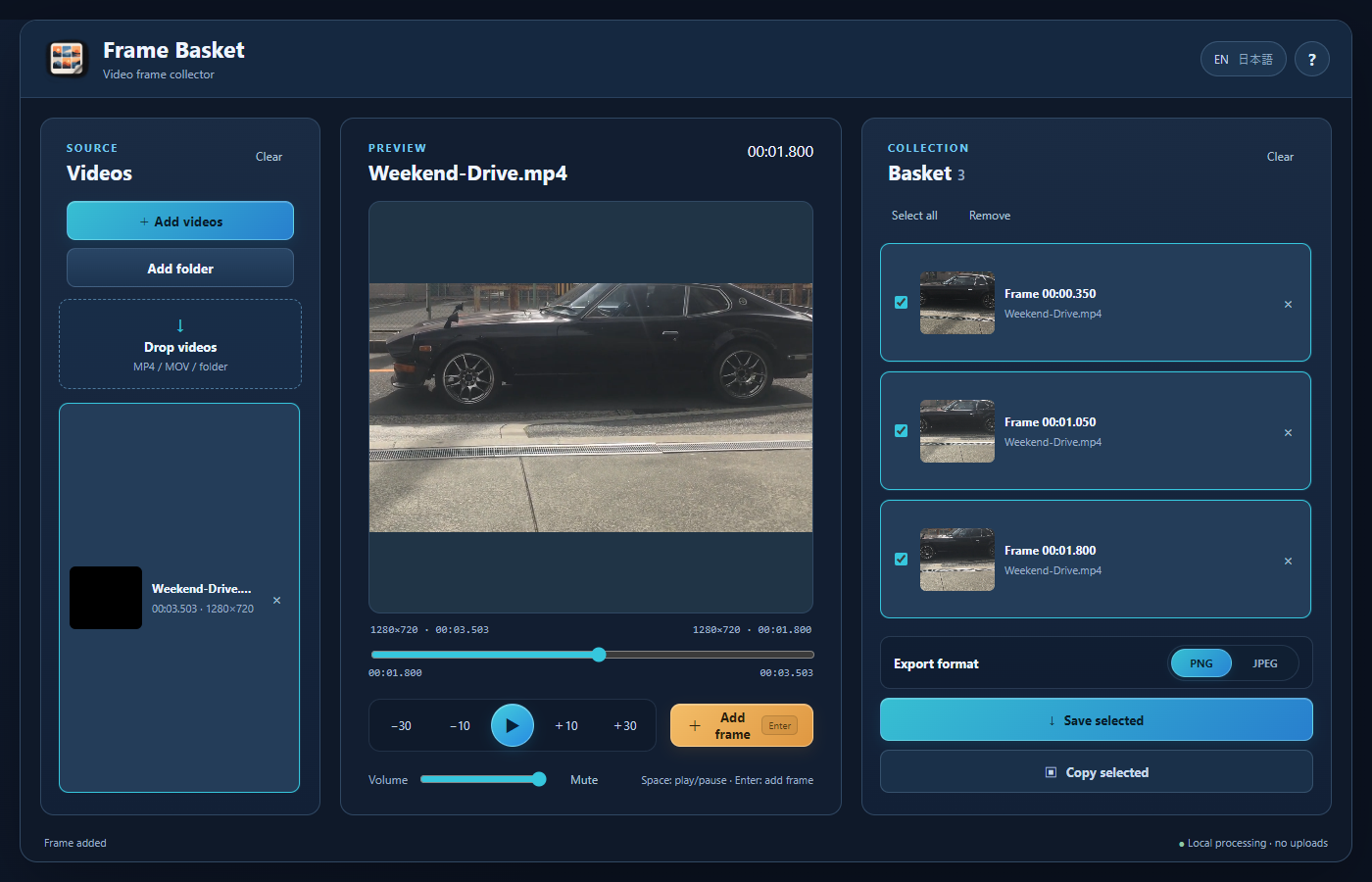
Frame Basket collecting frames from a landscape video
Use the same workflow with landscape videoFind a moment in the preview and add its frame.
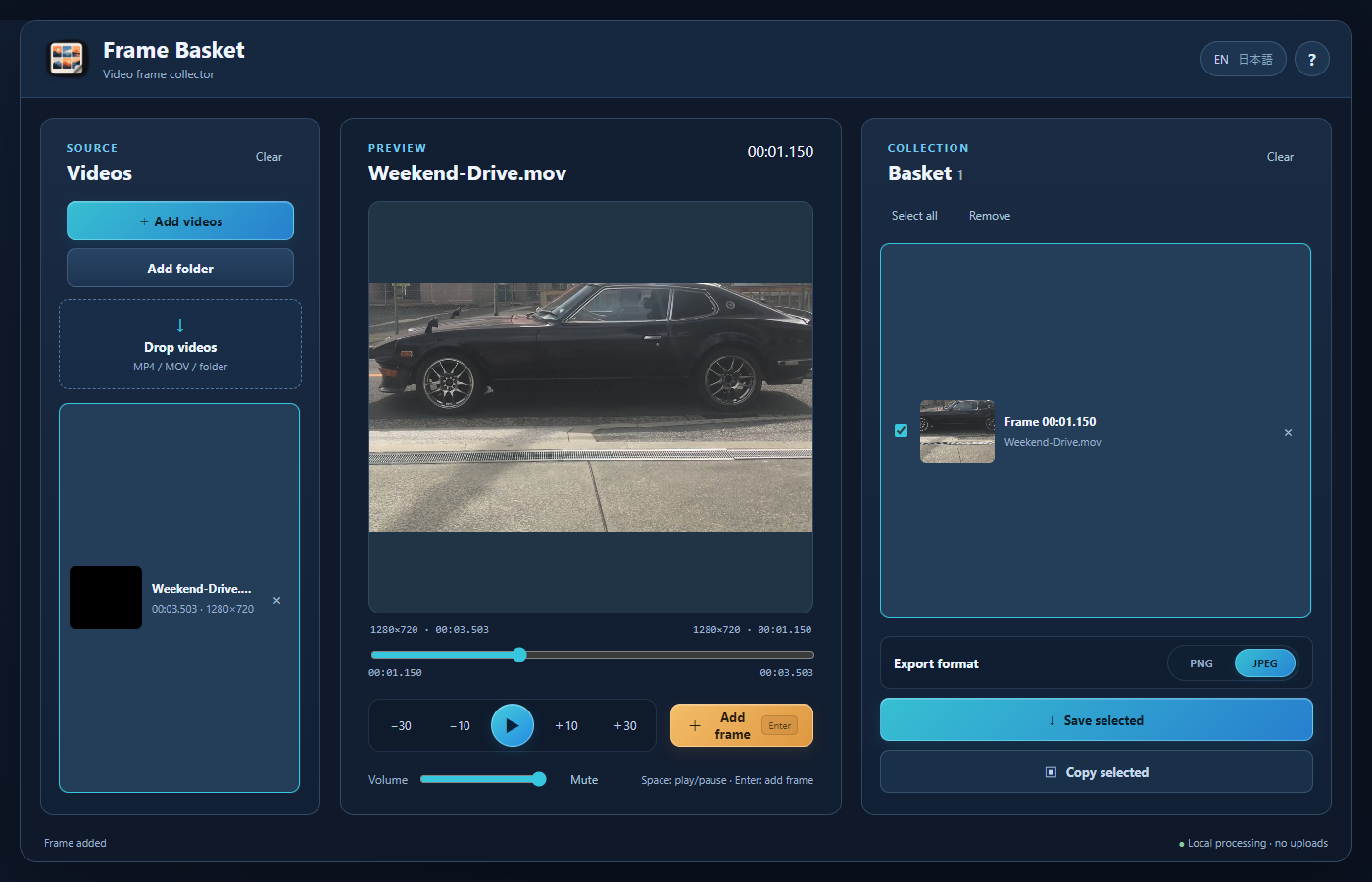
MOV video open with JPEG selected as the export format
MOV and JPEG supportPlay a MOV video and choose the image format to save.
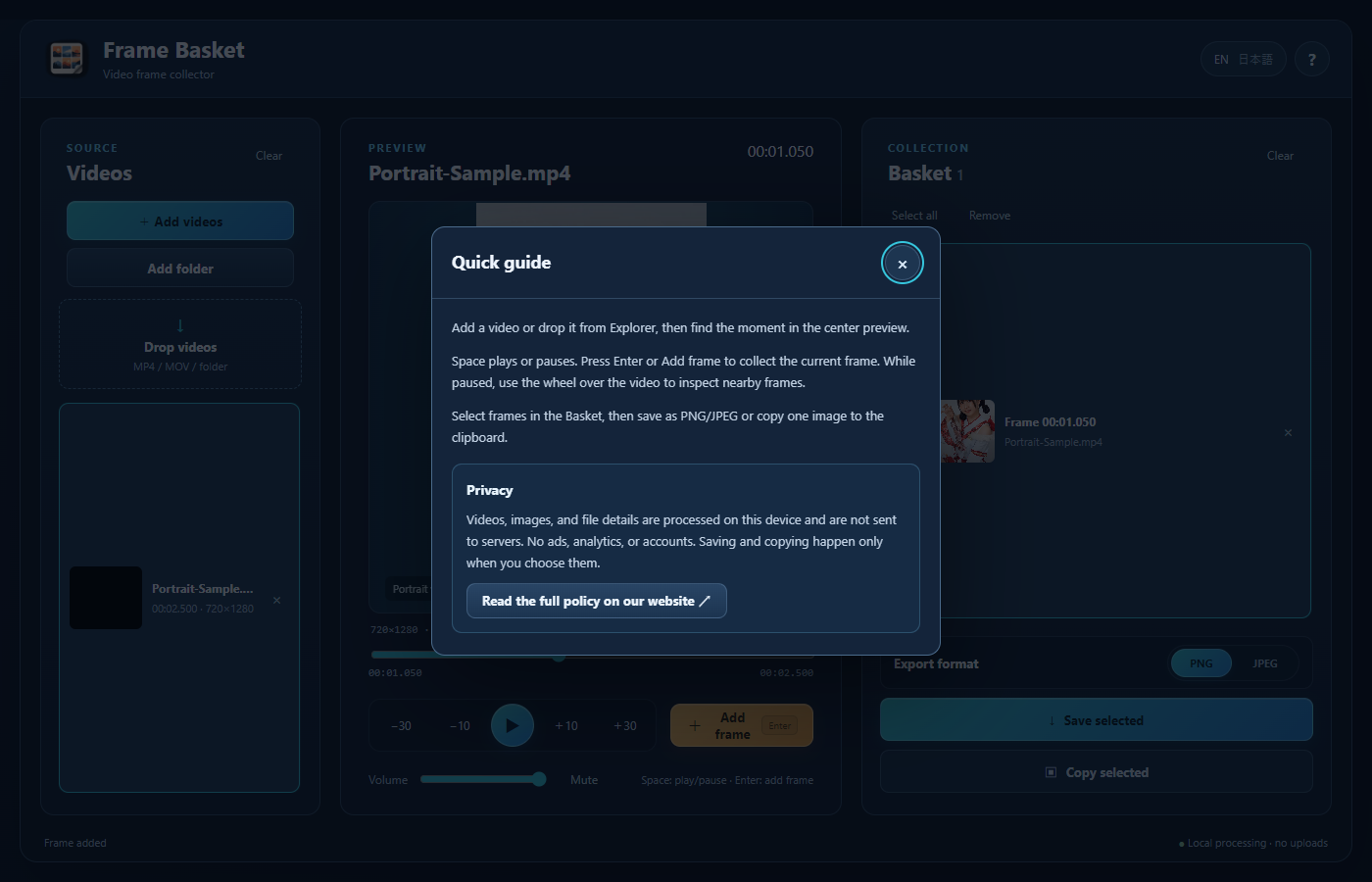
Quick guide and privacy information in Frame Basket
Quick guide and privacyRead about controls and local processing in the app.

App details

Operating system
Windows 10 / 11 (64-bit)
Input
MP4 / MOV
Output
PNG / JPEG and clipboard copy
Processing
On the user's Windows PC
Account
Not required
Network
Normally not required

Original files

Videos are read-only. The app is not intended to edit, re-encode, move, or delete them. The Basket is kept only while the app is open.

FAQ

Frame Basket
Will portrait videos work?

Phone-recorded portrait videos are supported. The preview preserves their aspect ratio while making effective use of the available preview area.

Where can I get it?

Download is free in all selected markets.

Are videos or images uploaded?

No upload is planned. The app is designed without accounts, cloud storage, advertising, analytics SDKs, or telemetry.