HomeWatch LAN
A friendly home-network monitor for family and pets.
Available on Microsoft StoreWindows 10 / 11Up to 2 smartphonesLocal network
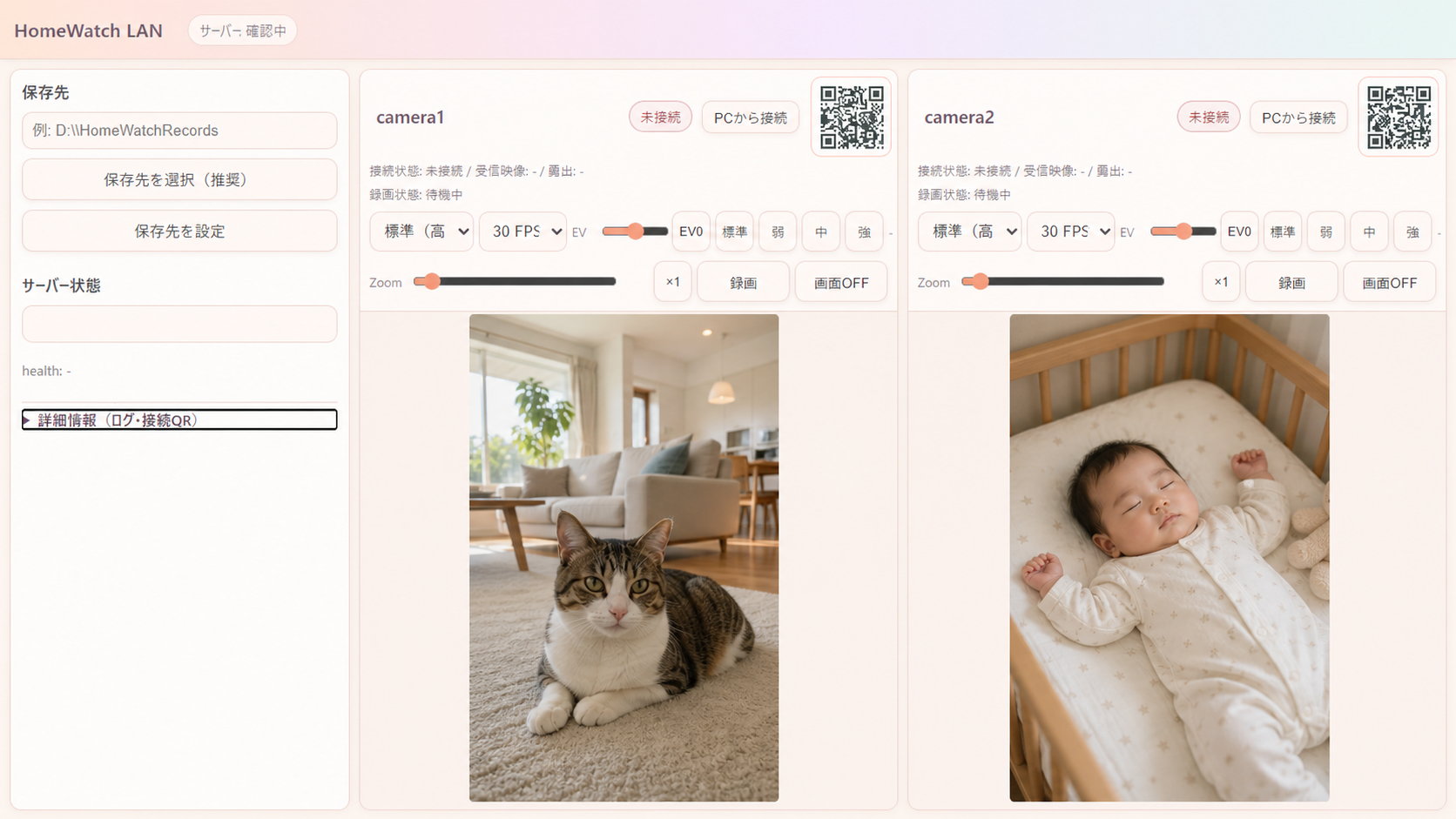
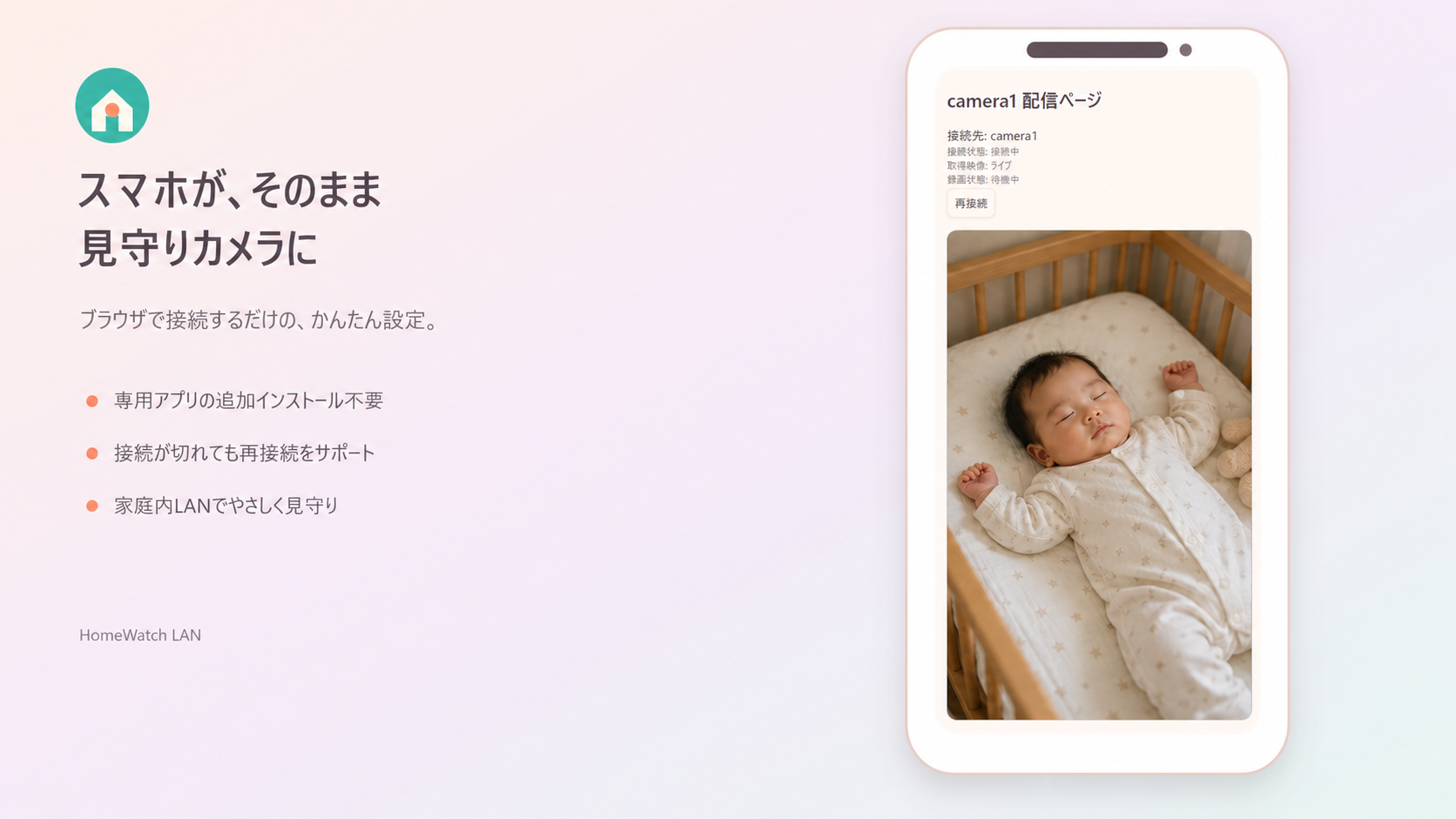
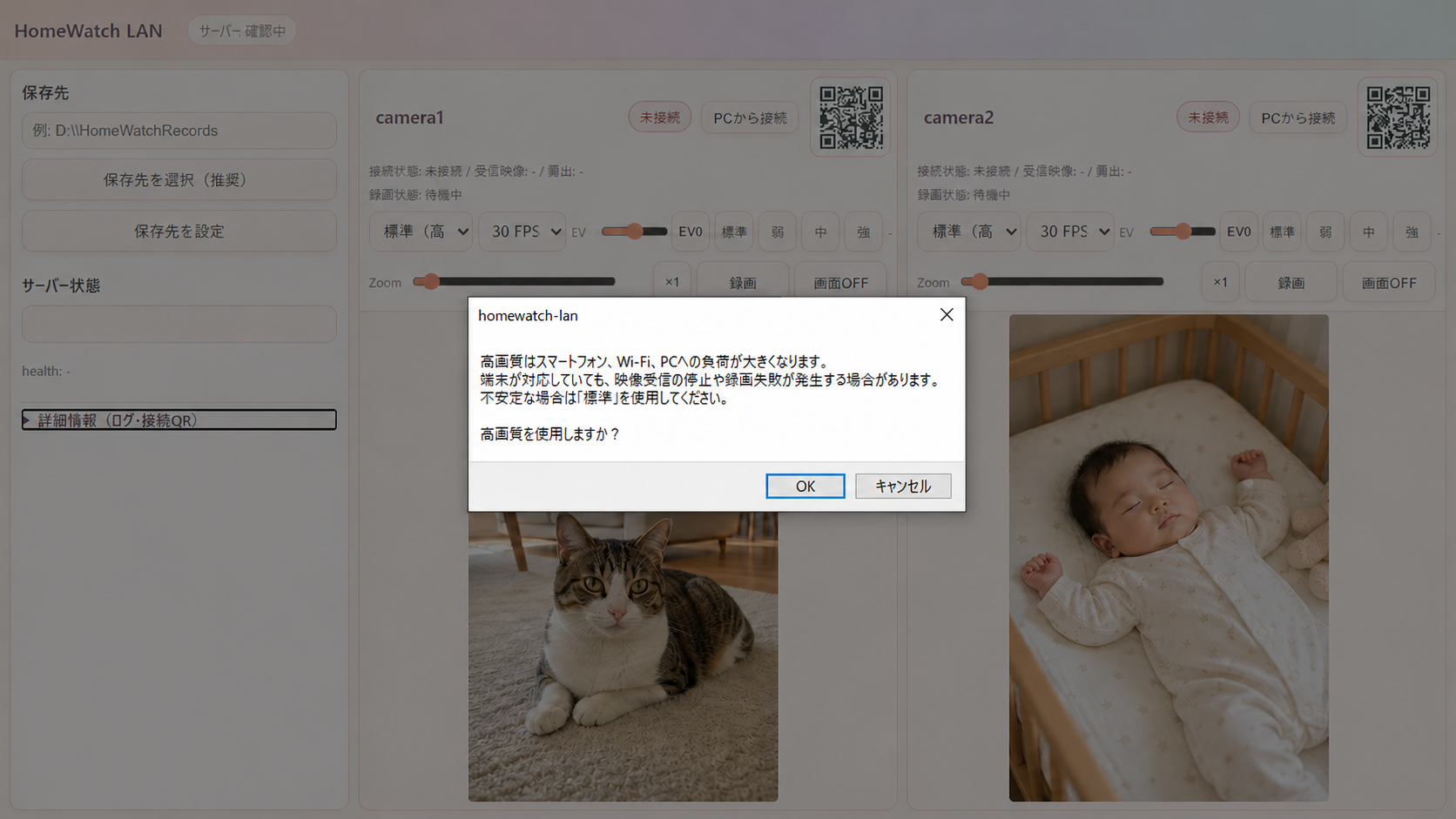
HomeWatch LAN turns up to two smartphones into cameras on your home network. View live video, adjust camera settings, and save recordings to your Windows PC. It is designed for private home use without cloud broadcasting or public access.
Key features
Home monitoring features- 2Connect up to two smartphonesView two camera feeds on one Windows PC.
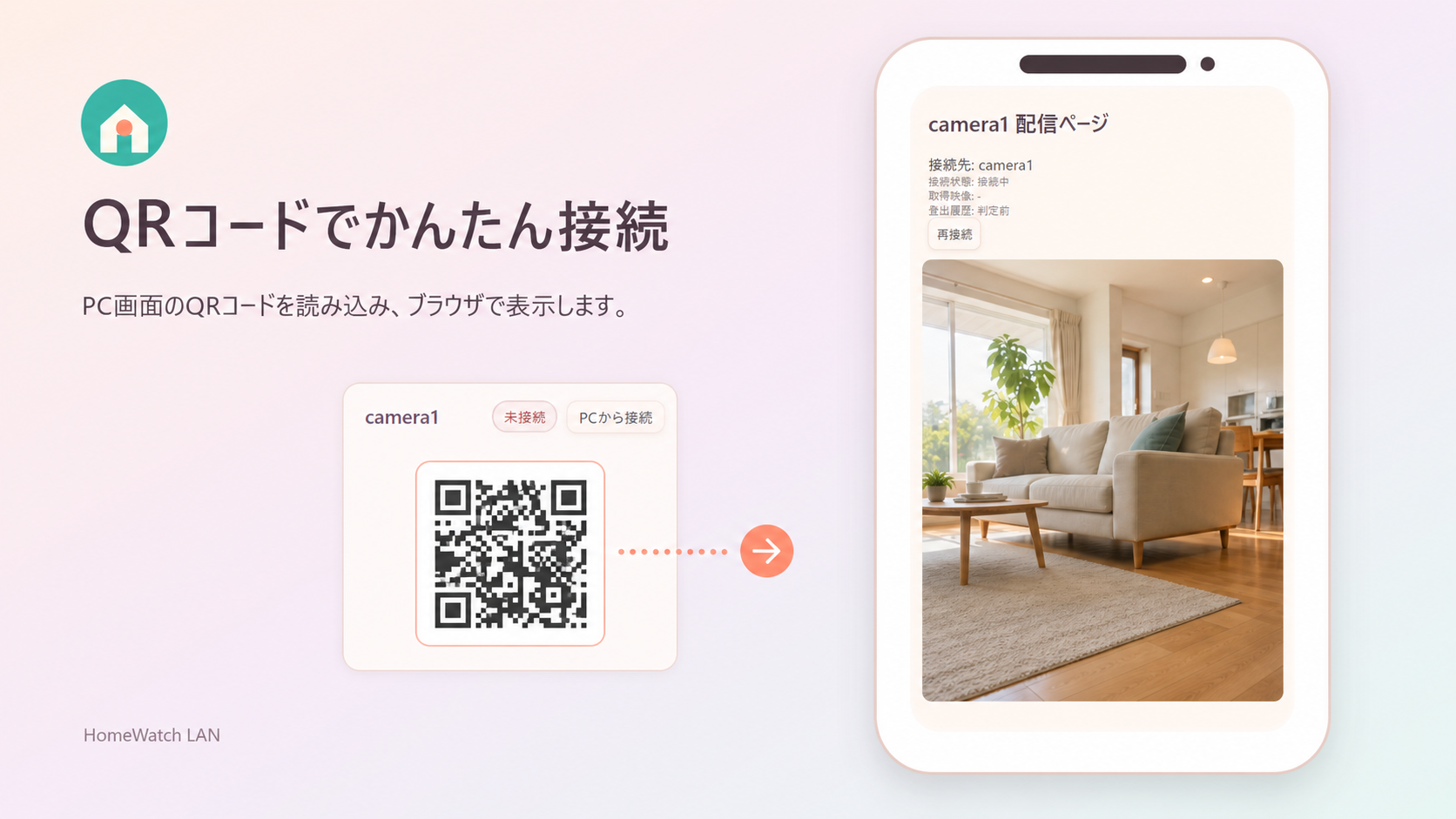
- ▣QR code connectionConnect each camera from a phone browser with a quick scan.
- ●Live video and audioReceive the camera feed over your local network.
- ☼Adjust while viewingChange FPS, brightness, backlight correction, and 1–3x zoom.
- ■Save MP4 recordings locallySave recordings to a folder selected on your Windows PC.
- ↻Reconnect after interruptionsTry to reconnect automatically when a temporary connection loss occurs.
Technical details
- Operating system
- Windows 10 / 11 (64-bit)
- Camera connections
- Up to 2 smartphones
- Phone browser
- Safari or Chrome
- Network
- PC and phones on the same LAN
- Recording
- MP4 saved to a PC folder
- Cloud upload
- No automatic cloud upload of recordings
Before you startPerformance depends on the phone, Wi-Fi, and PC. If high quality is unstable, use Standard quality and make a short test recording first.
Three simple steps
- 1Start the PC app
Choose a recording folder and allow Windows local-network access. - 2Scan the QR code
Allow camera and microphone access on the smartphone. - 3View and record
Adjust settings or start recording once the video appears.
Safe use
Use HomeWatch LAN on a trusted home network. Do not expose it to the public internet or configure router port forwarding.
Privacy policy (Japanese)›Need help?
The Japanese manual covers setup, connection, Windows security, and recording. Your browser can translate it.
Open troubleshooting guide›FAQ
HomeWatch LANCan I use HomeWatch LAN from outside my home?
HomeWatch LAN is designed for a PC and smartphones connected to the same home network. Do not expose it to the public internet or use router port forwarding.
How many smartphones can I connect?
You can connect up to two smartphones and view both feeds on the Windows PC.
Where are recordings saved?
Recordings are saved as MP4 files in a folder you choose on your Windows PC. They are not automatically sent to the developer's server.